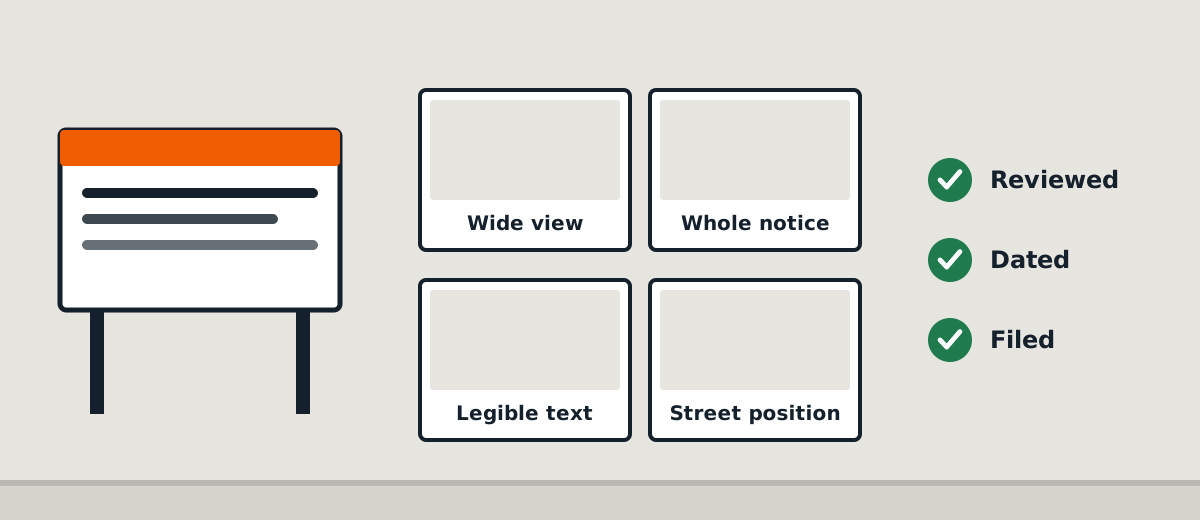
Development projects generate a large volume of messages, attachments and supporting documents. A planning notice can be one small item in that larger file, yet questions about exactly what was installed and when may arise later.
A traceable job history makes those questions easier to answer without overstating what the evidence proves.
Start with the instruction trail
Save the authority's advertising direction and the approved sign version. Link them to the correct property and application reference. If the instructions change, preserve the earlier message but clearly identify the current version.
A booking request alone is not proof of the requested work.
Record the actual site event
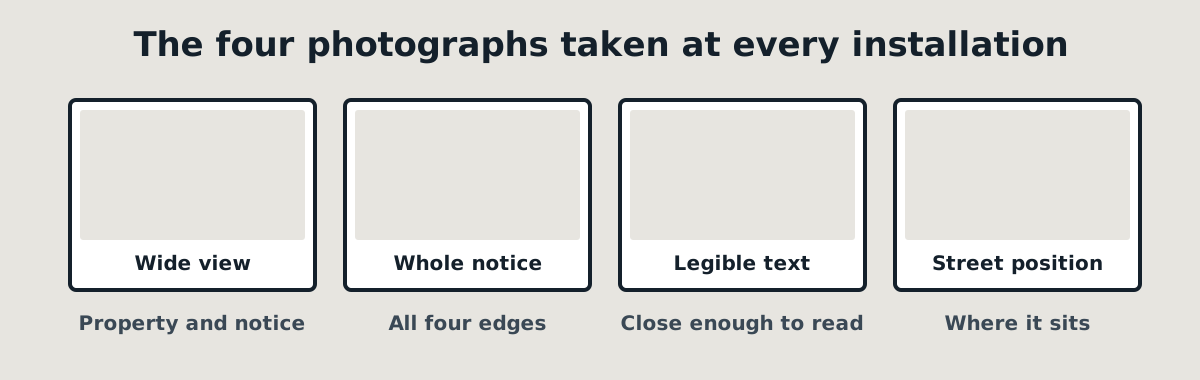
When the installer attends, capture the date, completed task, relevant observations and photographs. Distinguish a successful installation from a partial visit, failed access or deferred job.
Do not allow a generic “Complete” status to erase an unresolved issue.
Review the evidence before reporting
Check that the sign is readable and the wider image identifies its position. If photographs are incomplete, request further evidence or explain the limitation. A manager's approval should be logged with the date and scope of review.
If the person who performed the job also signs it off, describe that review accurately rather than calling it independent.
Keep later activity linked
The same record can link a replacement after storm damage, a display check and an authorised removal. These events should have their own photographs and timestamps so that the history does not collapse into one misleading completion date.
Secure access and retention
Use role-based access to prevent unrelated customers or staff from seeing private property information. Keep a copy of the issued report and record any later corrections. Retention periods should follow applicable obligations and an approved business policy rather than an arbitrary software default.
Need an evidence package for a site visit? Describe the report your planning team needs when you request a SiteNotice Australia quotation.
Related: Planning notice installation · Request a quote