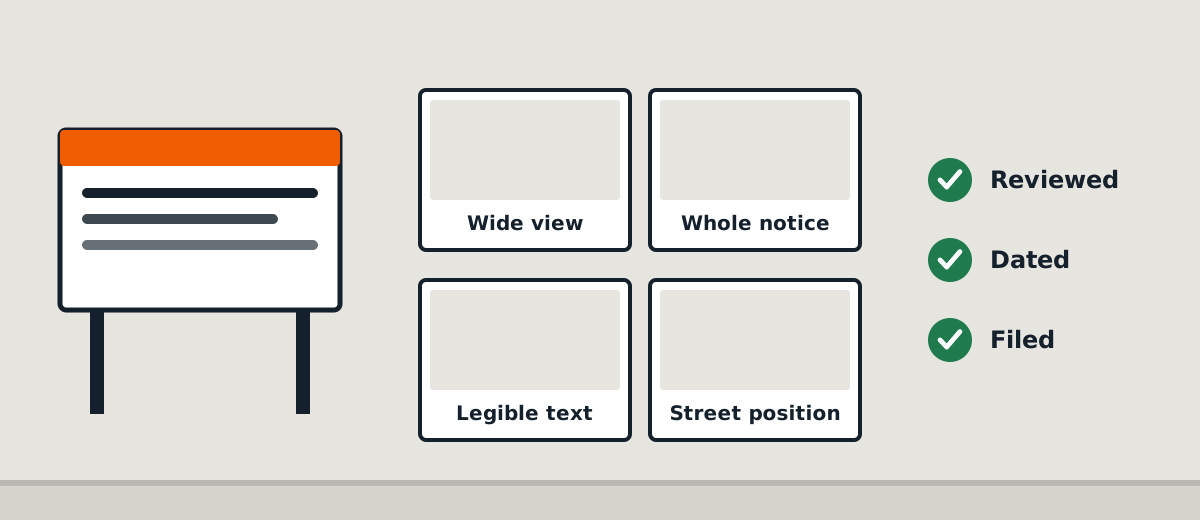
When a planning consultant works from an office and the notice is installed at a property across Melbourne, photographs are the quickest practical way to review what happened on site. They are useful operational evidence, but they need to show more than a sign in isolation.
A good installation report helps the person managing the application answer three questions: Was the correct notice installed? At which property and location? Was the result sufficiently documented for the next step?
Use complementary photographs
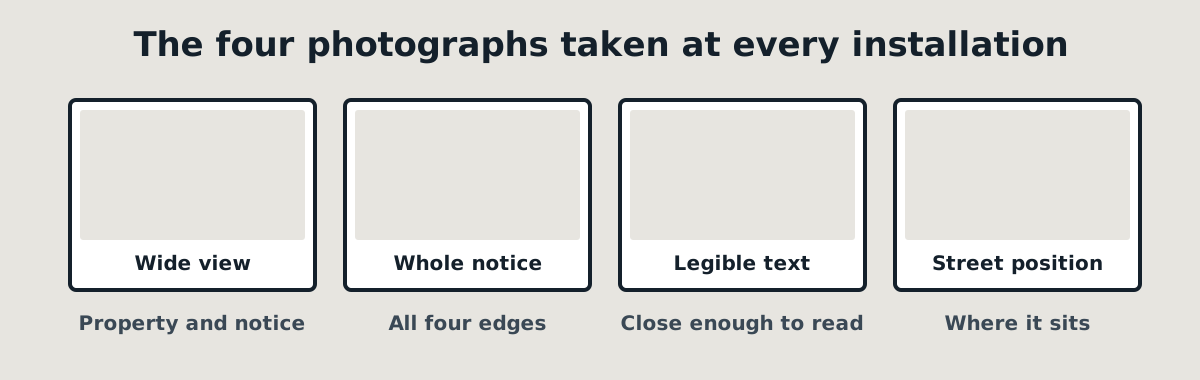
A close-up should make the installed notice legible where practical. This helps reveal whether the visible content appears consistent with the document supplied for the job.
A wider photograph should show how the notice is positioned in relation to the frontage, fence or site entrance. This matters because a photograph cropped tightly around the board may give no meaningful indication of the property.
A third context image may help on large, corner or unusually configured properties.
Preserve the original files
Original uploads are valuable because they retain the best available image quality and may contain capture metadata. A report can resize photographs for readability, but the original files should not be silently overwritten by edited versions.
Capture timestamps and GPS data can support a record, but they are not infallible. A device clock may be wrong, location permission may be off and files can be transferred after capture. A clear audit trail should distinguish the time an image was taken, when it was uploaded and when someone reviewed it.
Make review a real step
Uploading a photo should not automatically mean the installation is approved. A reviewer may need to ask for a clearer close-up, another frontage view or confirmation of a site discrepancy.
Where a worker or owner signs off their own work, the record should say so rather than describing the review as independent.
Keep the report connected to the job
The most useful evidence package includes a job reference, property address, attendance date, relevant photographs and any unresolved issue. That makes it easier for the customer to retrieve the correct evidence months later.
Need photo-documented site attendance? Ask SiteNotice Australia about the evidence requirements for your proposed job so they can be agreed before the visit.
Related: Planning notice installation · Request a quote