One planning notice job is mostly about getting the right sign to the right location. Ten jobs require a different level of control.
For developers, architects and planning consultants working across multiple properties, a simple spreadsheet may become difficult to manage when notices are revised, workers are assigned and evidence starts arriving.
The risk of mixing up properties
Two sites may be on the same street or belong to the same client, but their application numbers, documents and council directions can differ. A single shared folder named “planning signs” is an invitation to attach the wrong photograph or print the wrong file.
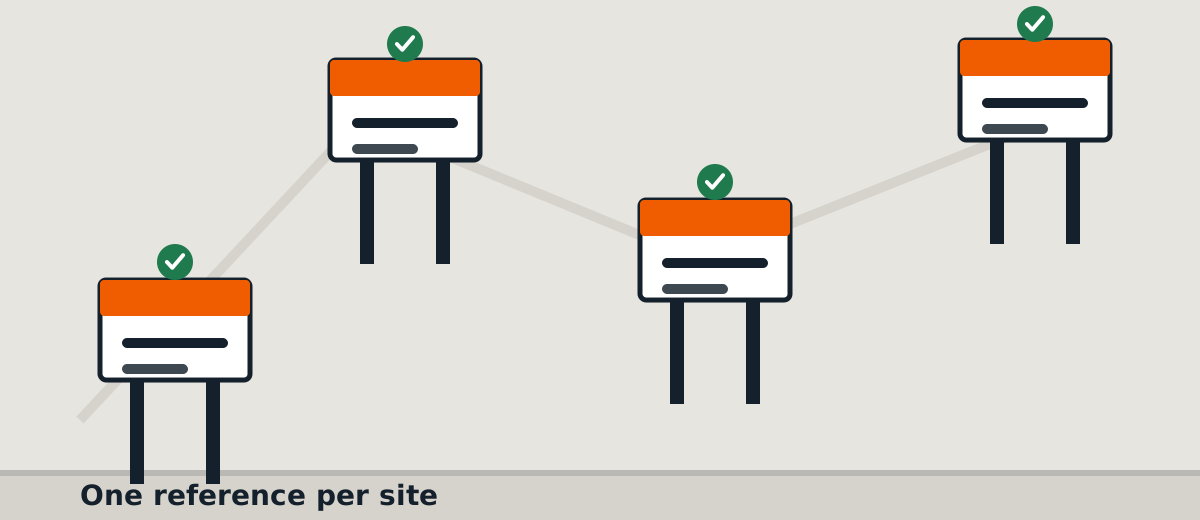
Assign a unique reference to each site and link it to the correct approved notice version.
Keep the portfolio view and the site view
The portfolio view tells the project manager how many jobs are awaiting information, printing, installation, evidence review or authorised removal.
The individual site record tells the field worker exactly where to go, what to install, what access restrictions apply and which photographs are required.
Both views matter. A simple summary can help the customer, but it should never hide unresolved issues at one property.
Coordinate visits without sacrificing accuracy
Grouping nearby visits may reduce travel time. However, deadlines, worker availability and site access should determine the actual schedule. Avoid promising a single-day installation for an entire portfolio before confirming these constraints.
When a worker completes a visit, the job should remain open for review until the correct evidence has been checked.
Make reporting easy to retrieve
A completion package should carry the property address and job reference on every report. For a larger portfolio, a status summary with links to individual reports is often easier to use than a single oversized attachment.
Keep customer communications attached to the correct site, even if one consultant is the contact for every project.
Request a multi-site quotation: Send SiteNotice Australia a list of properties, authority instructions and requested dates. We can assess the work by location and prepare a clearly structured scope.
Related: Planning notice installation · Request a quote